Animate Messages | RPG Maker MZ Plugin
A downloadable tool
Overview
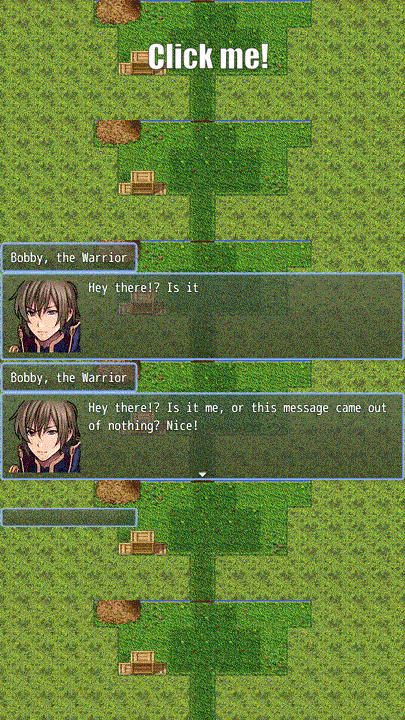
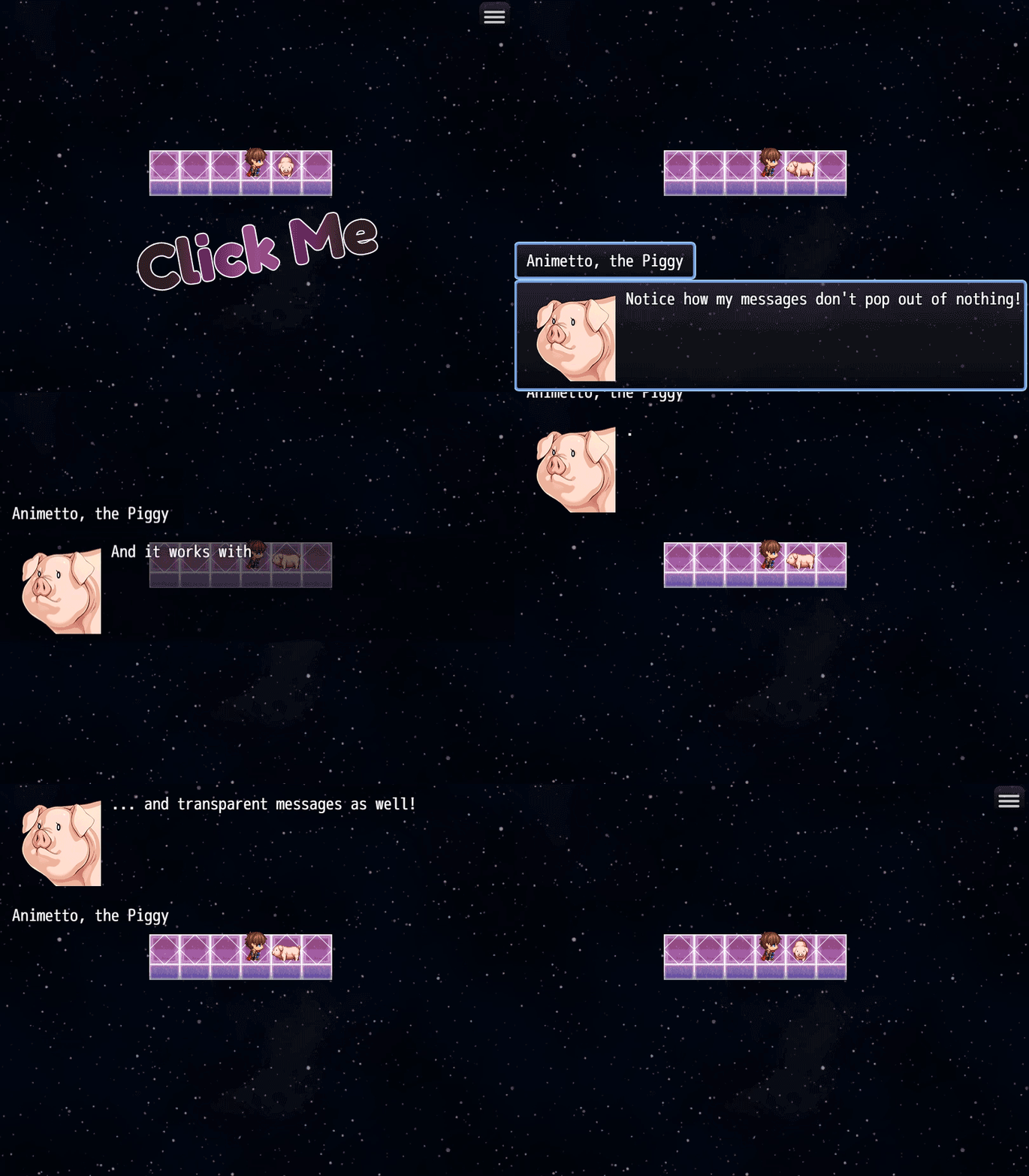
Animate Message Window adds smooth fade and slide animations to your game's message boxes. When dialogue appears, the message window gracefully fades in and slides into position. When it closes, it animates out with the same polish. The plugin works seamlessly with all message window types (Normal, Dim, and Transparent) and includes the name box in the animation. Fully customizable animation speeds and distances let you match your game's style perfectly.

Features
- Fade in/out animations for message windows
- Slide animations (window moves from below its final position)
- Works with Normal, Dim, and Transparent message window backgrounds
- Name box animates together with the message window
- Fully customizable animation speeds and distances
- Player preference saved in config (can be toggled in Options)
Plugin Parameters
Enable Fade Animation Default: ON Enables fade in/out effect for message windows. When enabled, windows start transparent and fade to full opacity.
Enable Slide Animation Default: ON Enables slide effect for message windows. Windows slide up from below their final position.
Fade In Duration Default: 20 frames (about 0.33 seconds) Range: 1-120 frames How long the fade-in animation takes. 60 frames = 1 second.
Fade Out Duration Default: 15 frames (about 0.25 seconds) Range: 1-120 frames How long the fade-out animation takes.
Slide Distance Y Default: 40 pixels Range: 0-200 pixels How far down from the final position the window starts. Higher values create more dramatic slide effects.
Slide In Duration Default: 20 frames Range: 1-120 frames How long the slide-in animation takes.
Slide Out Duration Default: 15 frames Range: 1-120 frames How long the slide-out animation takes.
How to Use
Once installed, the plugin works automatically. All message windows in your game will animate according to your parameter settings.
Notes and Limitations
- Animations only apply to the standard message window, not choice windows or other UI elements
- The animation preference is stored in the player's config file
Purchase
In order to download this tool you must purchase it at or above the minimum price of $5 USD. You will get access to the following files: