Free Better Chests | RPG Maker MZ Plugin
A downloadable tool
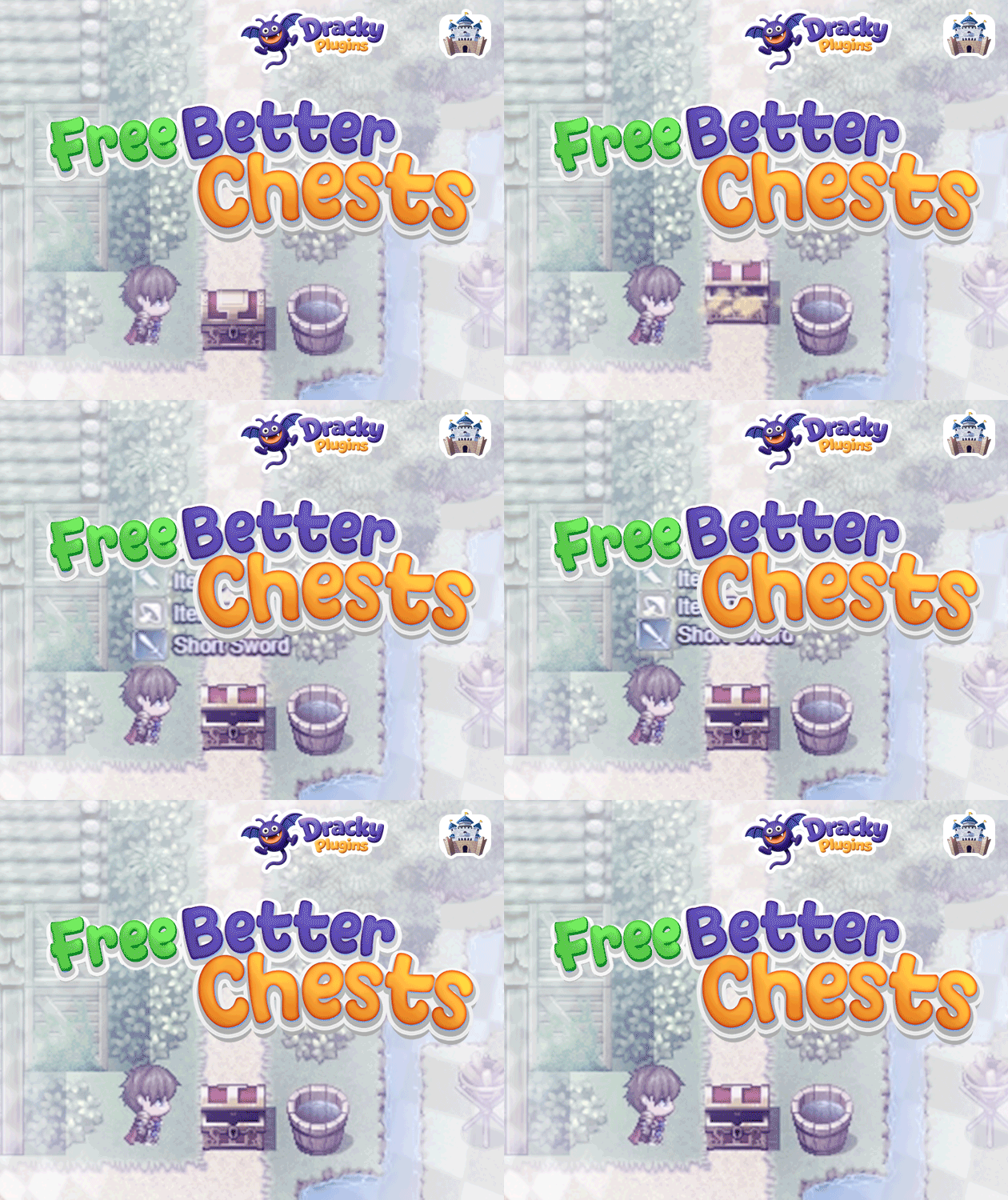
"Better Chests" transforms the plain chest opening experience in RPG Maker MZ into something players will actually look forward to. Add a satisfying bounce to your chest events, fill the air with golden sparkles, and show players exactly what they found with stylish floating popups, all triggered by a single comment tag in your event.

Key Features
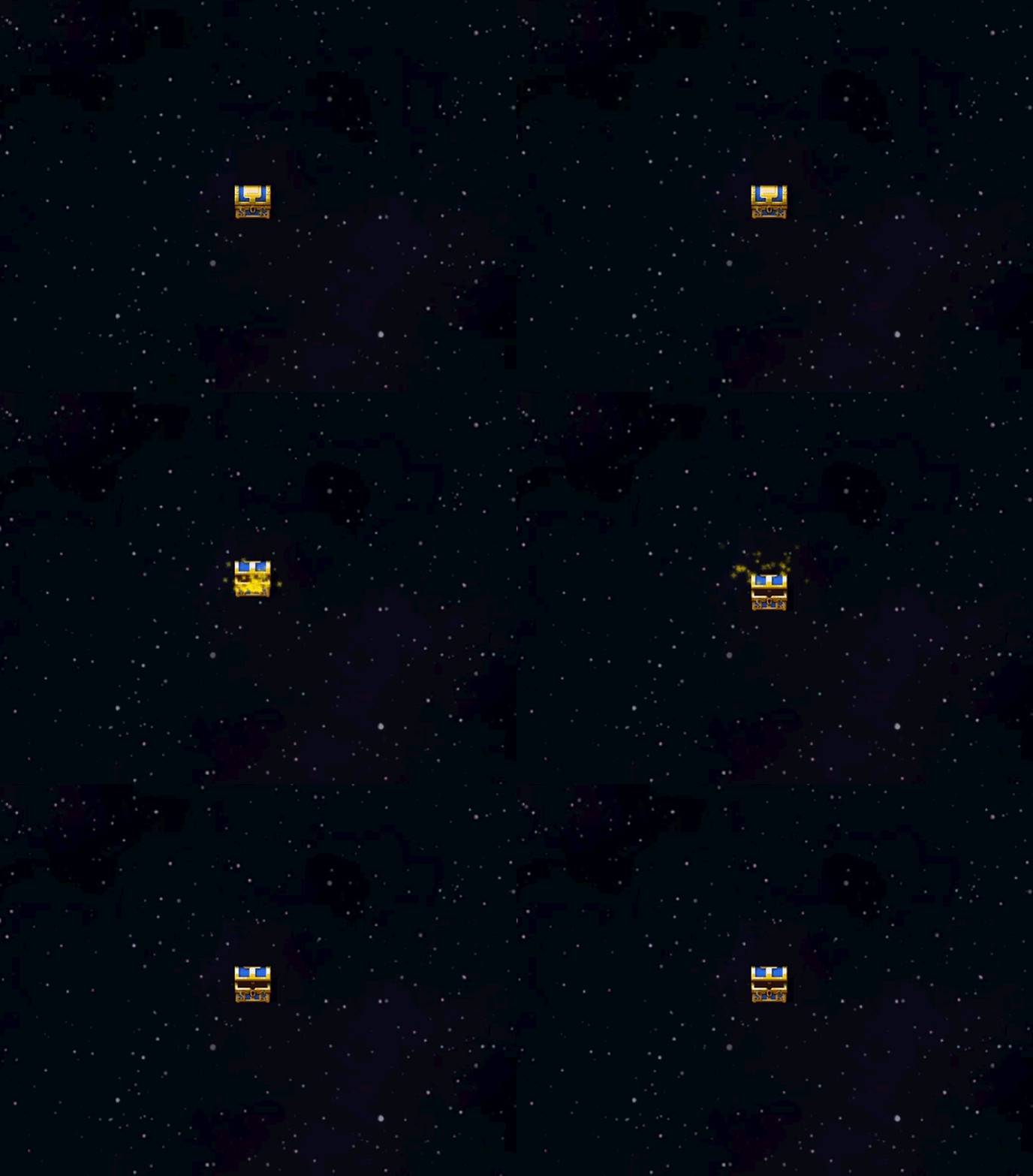
📦 Bounce Animation
- Satisfying chest pop - The chest event bounces up the moment it's opened
- Configurable height and duration - Tune the bounce to feel just right
- Zero setup required - Works automatically with the
<chest>comment tag
✨ Sparkle Particle Effects
- Golden sparkles by default - Star-shaped particles burst out of the chest
- Fully customizable colors - Three-color gradient lets you match any art style
- Adjustable intensity - Control how many particles appear and for how long
- Floats upward naturally - Rise speed is fully adjustable
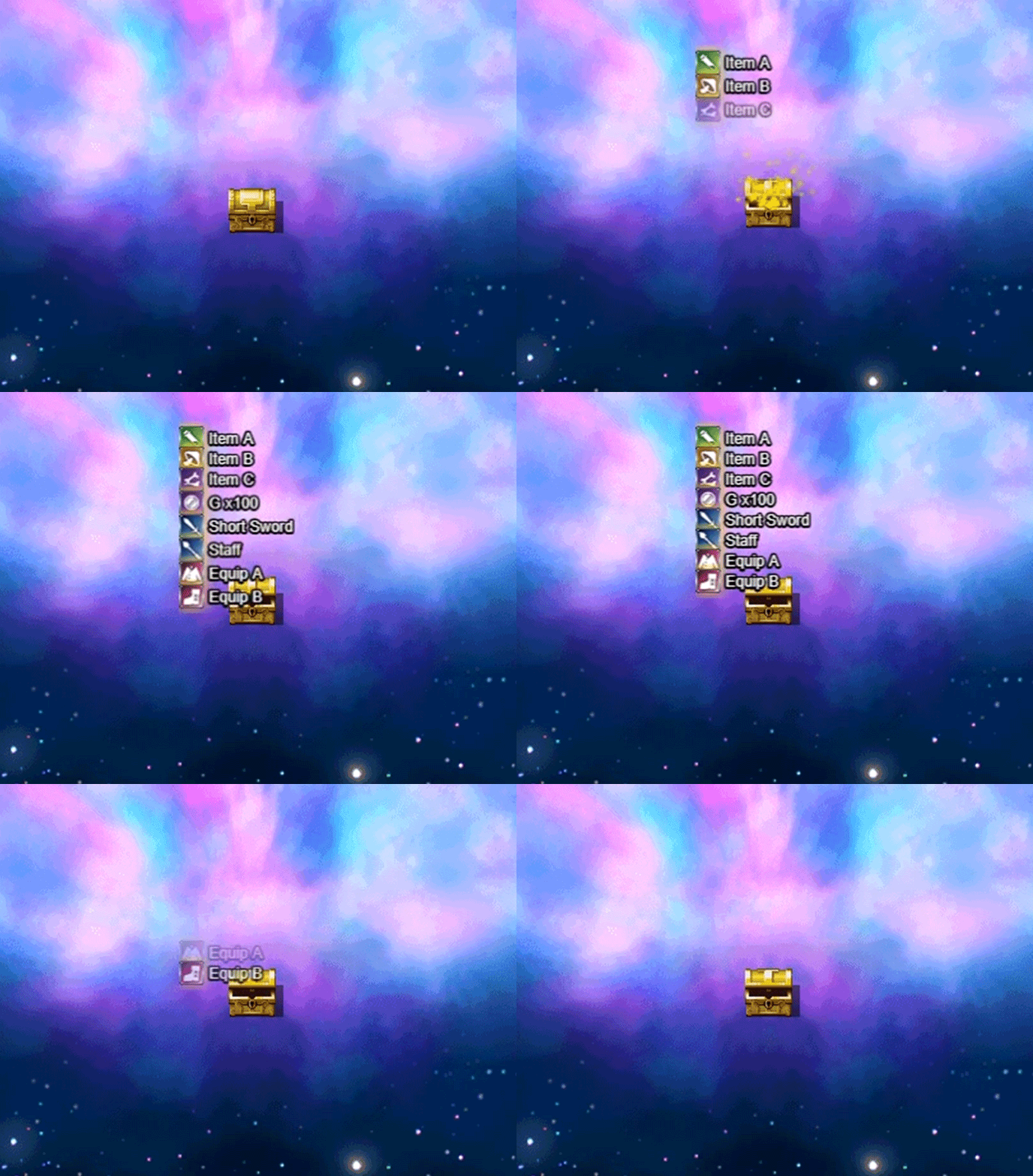
🎁 Item Popup Display
- Transparent, clean look - No window box, just the icon, name, and quantity
- Handles multiple rewards - All items from a single chest appear together automatically
- Staggered reveal - Each popup fades in one after another
- Supports items, weapons, armor, and gold - Every reward type is covered
📍 Flexible Popup Positioning
- Above Chest - Popups float right above the opened chest and follow the camera
- Screen Corner - Fixed position on screen, great for an MMO-style loot feed
- Fully adjustable offsets - Place popups exactly where they belong in your layout
Plugin Parameters
System Settings
Enable Better Chests
- Default: ON
- Master toggle for the entire plugin
Bounce Settings
Bounce Height - Default: 16 px
Bounce Duration - Default: 24 frames
Particle Settings
Enable Particles - Default: ON
Particle Count - Default: 3 per frame
Particle Duration - Default: 30 frames
Particle Lifetime - Default: 50 frames
Particle Rise Speed - Default: 0.10. Supports decimals for slow, floaty movement
Particle Color 1 / 2 / 3 - Three-stop radial gradient from center to edge. Defaults: #ffea00, #ffea00, #ff5a00
Popup Settings
Enable Item Popup - Default: ON
Popup Duration - Default: 120 frames
Popup Y Offset - Default: -60 px. Vertical distance above the chest (Above Chest mode only)
Popup Vertical Spacing - Default: 16 px. Gap between popups when multiple items appear
Popup Sequence Delay - Default: 8 frames. Wait between each popup appearing in sequence
Popup Delay - Default: 10 frames. Gives time for multi-item chests to collect all rewards before showing anything
Popup Font Size - Default: 12
Popup Icon Scale - Default: 0.60. For font size 12, values around 0.5-0.6 tend to look best
Popup Text Outline Width - Default: 4 (0 = no outline)
Popup Position Type - Default: Above Chest. Switch to Screen Corner for a notification-style display
Popup Corner X / Y - Default: 20 / 20 px. Distance from the screen edges (Screen Corner mode only)
How to Use
Add a Comment command at the top of your chest event with the tag <chest>. From that point on, any items, weapons, armor, or gold given in that event will be collected automatically and displayed as popups when the event finishes. Multiple rewards work out of the box, no extra configuration needed.
Customization Tips
Tuning the Particles
The three particle colors form a radial gradient from center to edge. For a magical feel, try white in the center fading to deep purple on the outside. Keep the rise speed low (0.1-0.3) for a floaty effect, or push it higher for something more energetic.
Matching Font and Icon Size
Icon Scale and Font Size work together. At font size 12, an icon scale of 0.5-0.6 keeps proportions balanced. At font size 18, around 0.75 looks natural. At font size 24 or above, use the full 1.0 scale.
Screen Corner Style
Switching to Screen Corner gives the plugin a completely different feel. Instead of popups hovering in the world, they stack neatly in one spot on the HUD, similar to loot notifications in action RPGs.
Technical Notes
- Popup positions in Above Chest mode use world coordinates and follow the camera correctly
- All particles and popups are properly cleaned up when the scene changes, preventing memory leaks
- The plugin detects gold, items, weapons, and armor automatically, no manual configuration per chest needed
- Enabling/disabling the system via the master toggle takes effect immediately
Download
Click download now to get access to the following files: