Dracky Chapter Calls | RPG Maker MZ Plugin
A downloadable tool
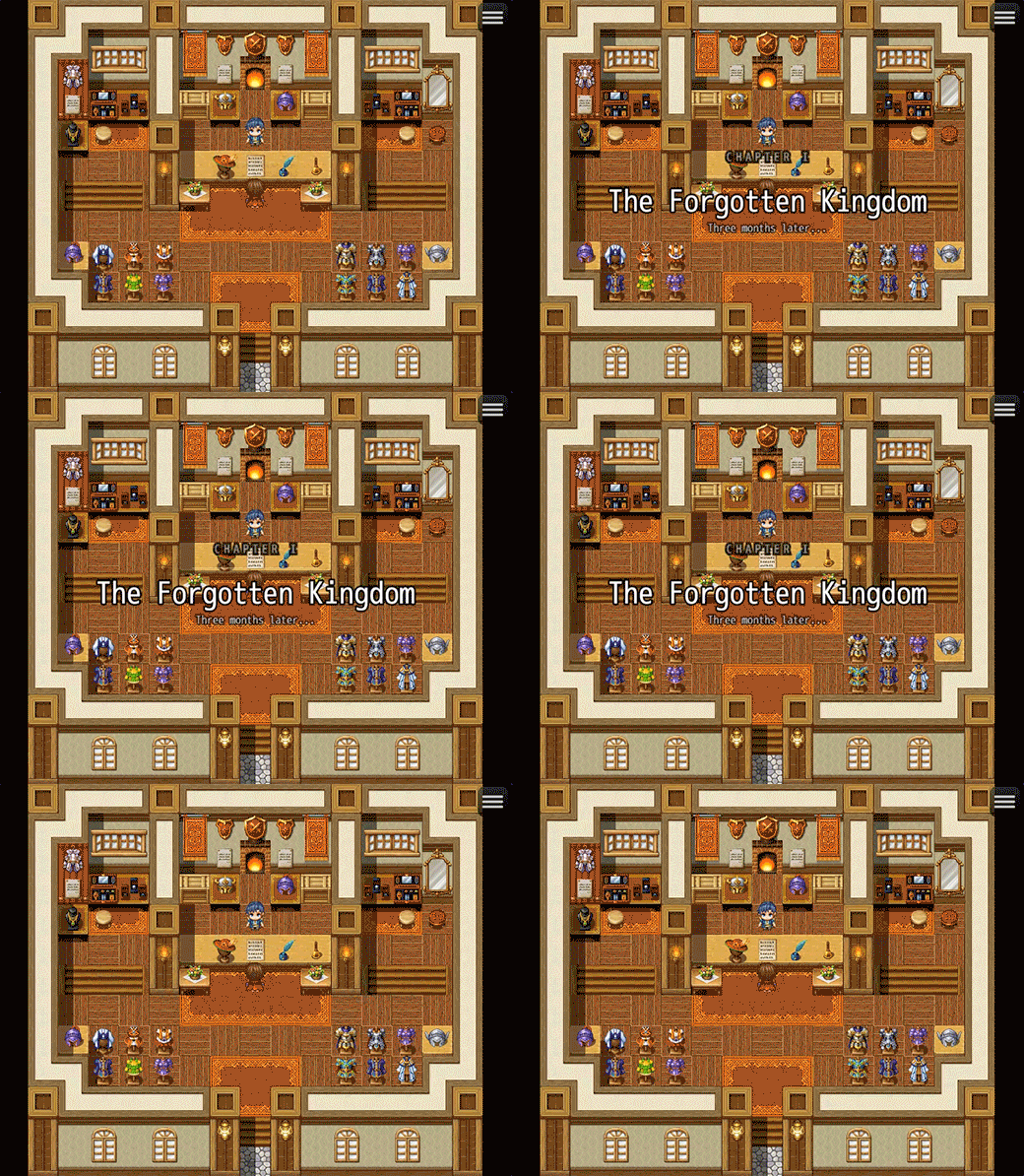
Trigger cinematic chapter title cards from any event with a single plugin command. Each card fades and slides in element by element (label, divider, title, subtitle) then eases out automatically. Fully customizable, non-blocking, and compatible with both maps and battles.

Key Features
🎬 Animated Title Cards
- Staggered fade in. Label, divider line, title, and subtitle each slide up and fade in with a configurable delay between them.
- Non-blocking overlay. The map and battle scene keep running underneath. Use the "Wait for Chapter Card" command if you need to pause the event until the animation finishes.
- Queued cards. Trigger multiple cards in sequence and each one waits for the previous to finish before appearing.
🎨 Style Presets and Full Customization
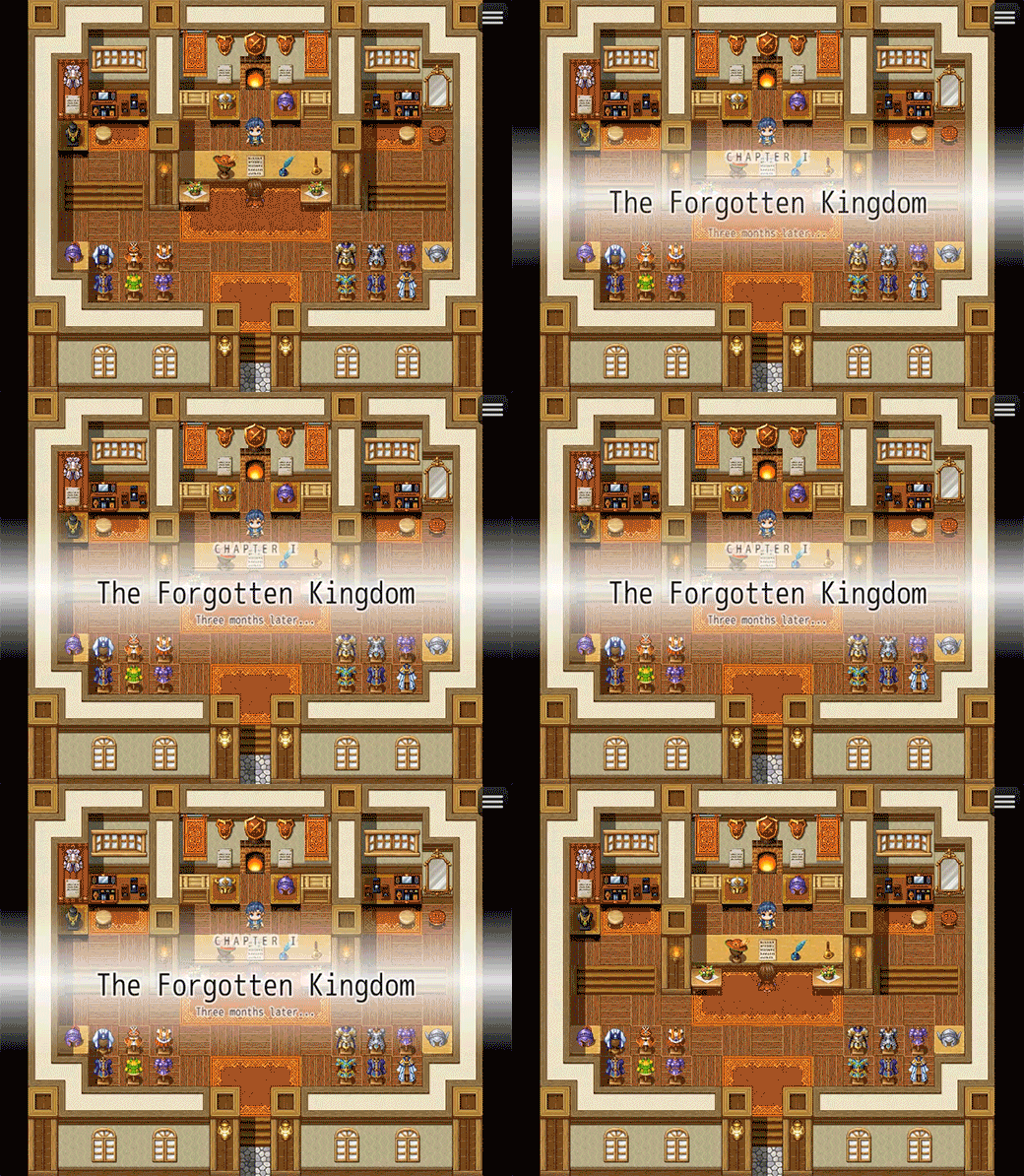
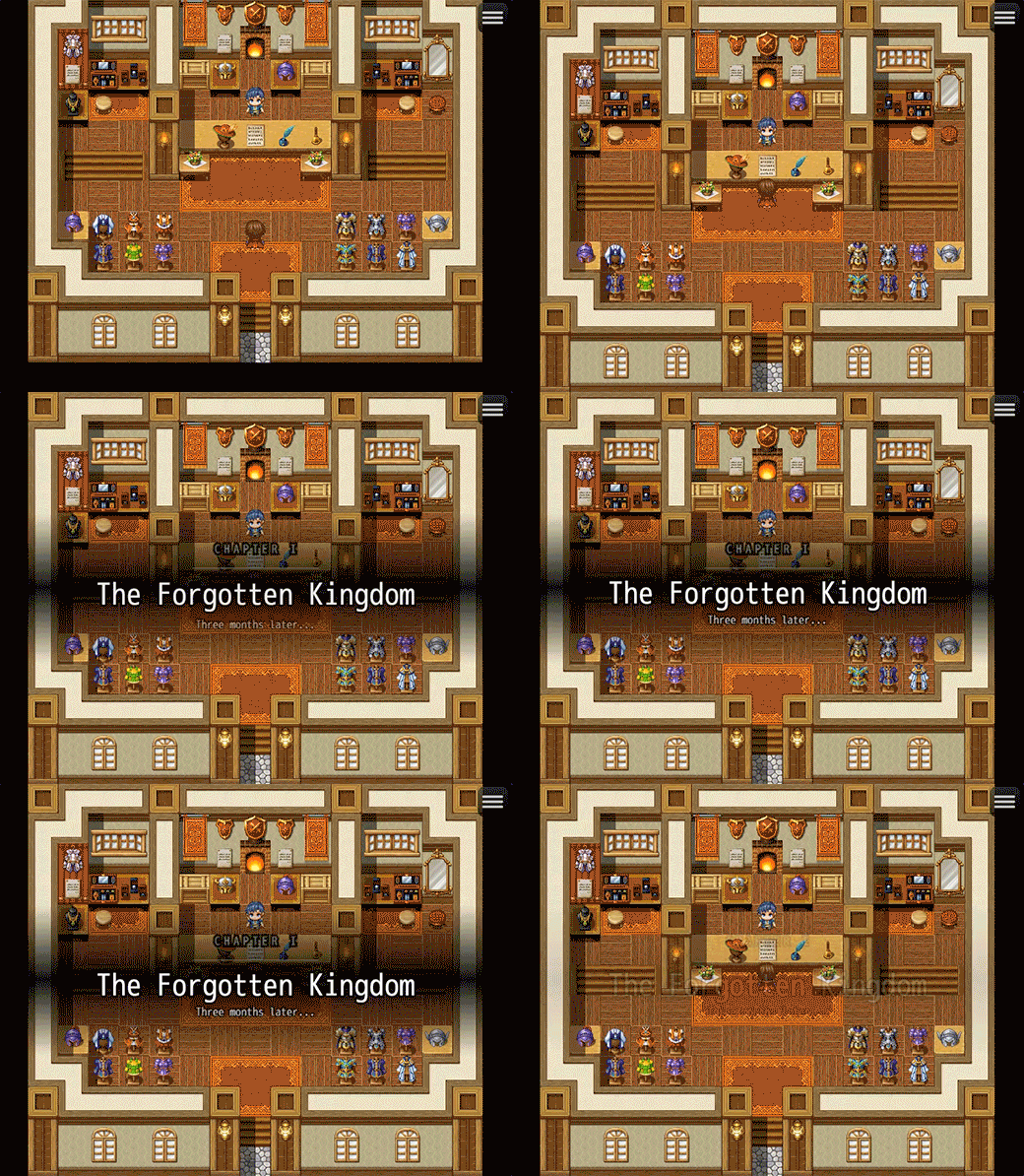
- Four built-in presets. Default, Dark, Light, and Minimal. Each card can use a different style without touching plugin parameters.
- Per element colors and fonts. Font size, color, outline color, and outline width are configurable separately for the label, title, and subtitle.
- Gradient background strip. A three-stop gradient (top, mid, bottom) frames the card. Set all stops to transparent for a clean overlay look.
- Letter spacing. Extra spacing on the label text for a cinematic title feel.
🔊 Sound Support
- Default SE. Set a sound effect that plays on every card appearance.
- Per card SE override. Pass a different sound file, volume, and pitch directly in the plugin command for individual cards.
Plugin Parameters
Timing
- Fade In Duration (default: 40 frames), Hold Duration (default: 120 frames), Fade Out Duration (default: 40 frames)
- Element Stagger (default: 10 frames): delay between each element appearing
Background
- Three CSS color values for the top, middle, and bottom of the gradient strip behind the card text.
Label / Divider / Title / Subtitle
- Each section has its own font size, color, outline color, and outline width. The divider has width, thickness, and spacing controls. The label has an additional letter spacing parameter.
Animation
- Slide Distance (default: 24px): how far each element travels upward during fade in.
- Vertical Position (default: 50%): center the card anywhere on screen.
Plugin Commands
Show Chapter Card
- Triggers the card. Set Label, Title, Subtitle, Style, and an optional SE override per call.
- Title is the only required argument. Label and subtitle can be left blank to hide them.
Wait for Chapter Card
- Pauses the event interpreter until the currently playing card finishes its full animation cycle.
How to Use
Call Show Chapter Card from any event, fill in your title (and optionally a label and subtitle), pick a style, and the card handles the rest. Add a Wait for Chapter Card command right after if you want the event to pause until the animation is done. To chain multiple cards, just queue them back to back and each one plays in order.
Technical Notes
- The card sprite is injected via Spriteset_Map and Spriteset_Battle, so it works in both scenes without extra setup.
- Bitmaps are destroyed after each card to free GPU memory.
- Letter-spaced text is drawn character by character using the Canvas 2D API for accurate spacing.
- No external dependencies. Compatible with RPG Maker MZ out of the box.
Purchase
In order to download this tool you must purchase it at or above the minimum price of $5 USD. You will get access to the following files: