Simple Combo Puzzle | RPG Maker MZ Plugin
Dracky Simple Combo
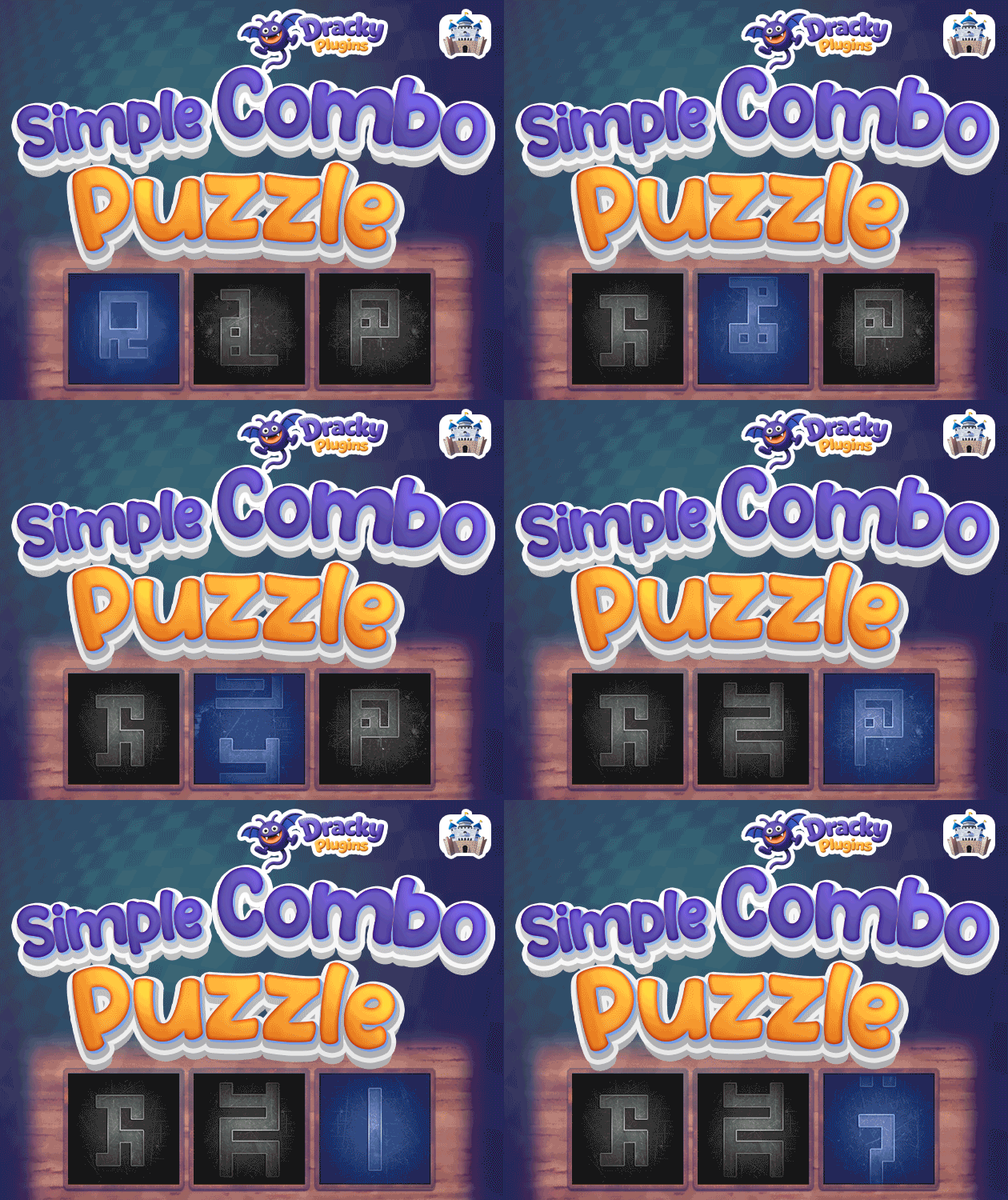
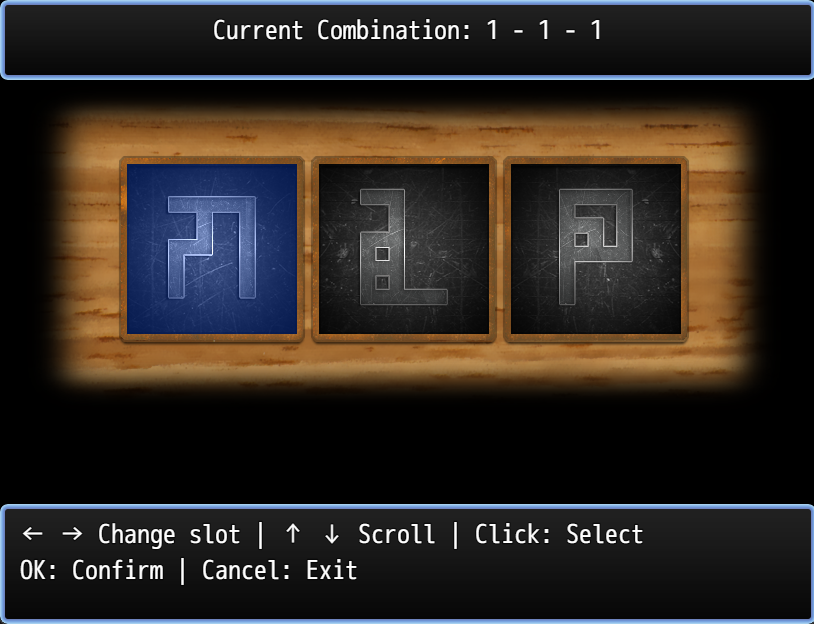
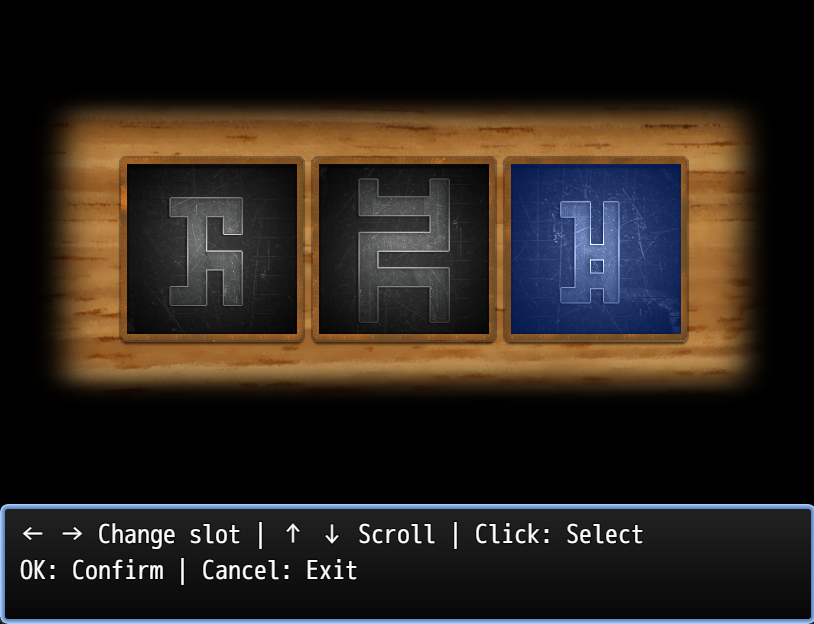
Dracky Simple Combo adds a symbol combination minigame to your RPG Maker MZ project. Players use three rotating slots with five options each to input combinations, featuring smooth scrolling animations and seamless looping effects perfect for puzzles, locks, safes, or secret code challenges.

Key Features
✨ Intuitive Symbol Selection
- 3 independent slots with 5 options each
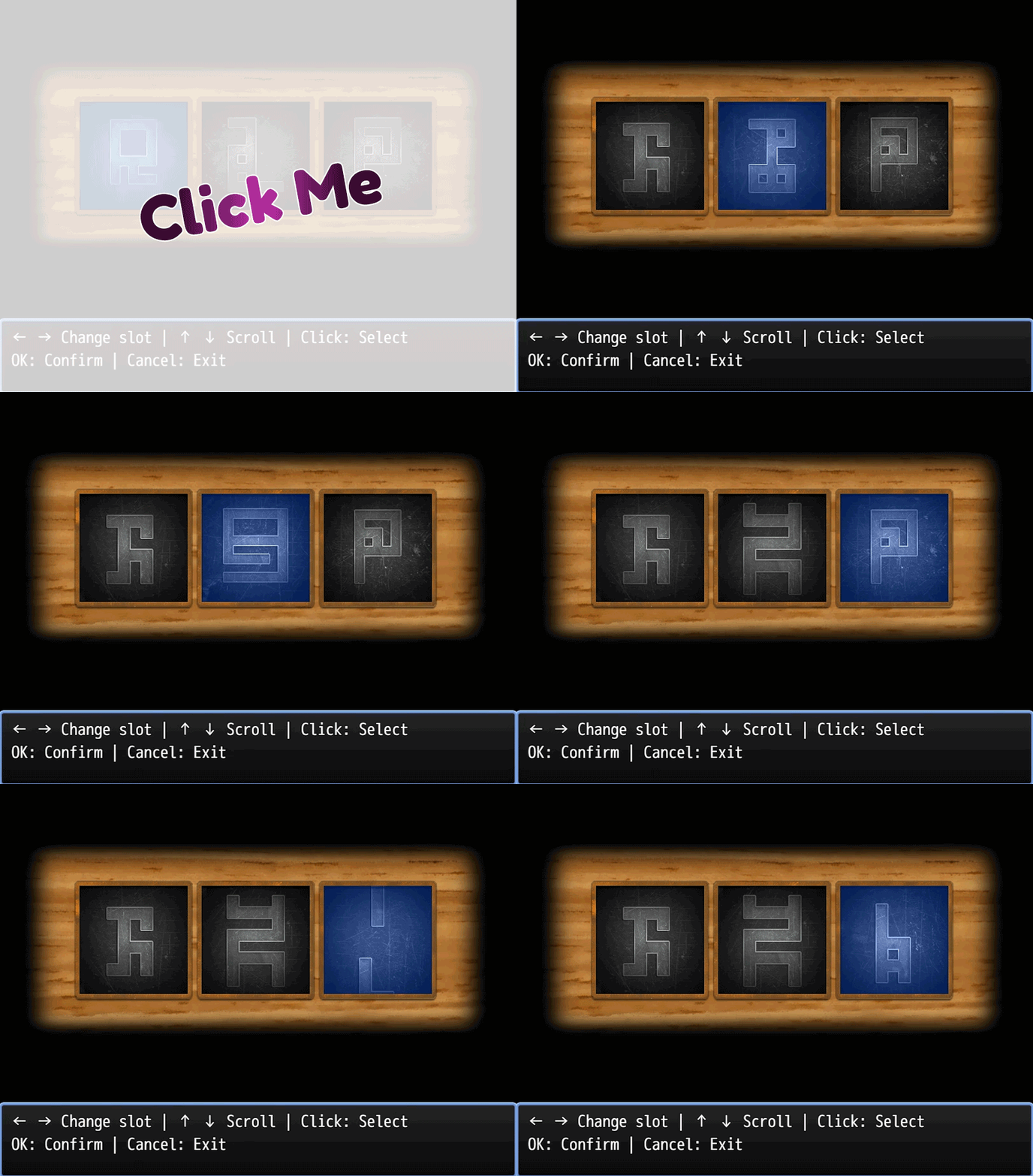
- Smooth scrolling animation with seamless looping
- Visual feedback when wrapping from option 5 to 1 and vice versa
- Cylinder-like rolling effect for natural feel
🎮 Flexible Input Methods
- Keyboard: Arrow keys to navigate, Enter to confirm, ESC to cancel
- Mouse: Click to select slots, click selected slot to confirm, right-click to cancel
- Touch: Tap to select, tap selected slot to confirm
- Mouse wheel support for scrolling options
🎵 Customizable Sound Effects
- Separate SE for column switching (← →)
- Separate SE for option scrolling (↑ ↓)
- Success sound for correct combinations
- Failure buzz for wrong attempts (stays open for retry)
- Full control over volume, pitch, and pan for each sound
⚙️ Two Operation Modes
- Save Mode: Store player's combination in a variable
- Check Mode: Validate against target combination, set switch if correct
- Wrong combinations play error sound but keep the scene open
🎨 Visual Customization
- Custom sprite sheets for each column (170x850px, 5 frames)
- Selection overlay sprite (170x170px minimum)
- Background/frame sprite for polished look
- Adjustable slot spacing (default: 20px)
- Auto-centering or manual X/Y positioning
📊 Optional Status Display
- Toggle status window to show current combination
- Real-time updates as player changes values
- Clean, minimal interface
🔧 Performance Optimized
- Configurable scroll animation duration (5-30 frames)
- Efficient sprite management with dual-sprite system
- Smooth 60 FPS animations
- Debug mode for troubleshooting
Plugin Commands
Open and Save
Opens the combo scene and saves the result to a variable.
Parameters:
- Variable ID: Variable to store combination (format: "1,3,5")
- Show Status Window: Display current combination at top (ON/OFF)
Open and Check
Opens the combo scene and validates against a target combination.
Parameters:
- Target Combination: Three numbers separated by spaces (e.g., "1 3 5")
- Switch ID: Switch to turn ON when correct
- Switch Value: Value to set (ON/OFF)
- Show Status Window: Display current combination at top (ON/OFF)
Plugin Parameters
Position Settings
Base X Position
- Default: 0 (auto-center)
- Manual horizontal positioning
- Set to 0 for automatic centering
Base Y Position
- Default: 0 (auto-center)
- Manual vertical positioning
- Set to 0 for automatic centering
Slot Spacing
- Default: 20 px
- Horizontal gap between slots
- Adjust for tighter or looser layout
Animation Settings
Scroll Duration
- Default: 12 frames
- Range: 5-30
- Controls animation smoothness
- Lower = faster, Higher = smoother
Sound Effects
SE: Change Column
- Default: Cursor1 (Volume: 90, Pitch: 100, Pan: 0)
- Plays when switching slots with ← →
- Customizable filename, volume, pitch, and pan
SE: Change Option
- Default: Cursor2 (Volume: 90, Pitch: 100, Pan: 0)
- Plays when scrolling options with ↑ ↓
- Customizable filename, volume, pitch, and pan
SE: Success
- Default: Bell3 (Volume: 90, Pitch: 100, Pan: 0)
- Plays when combination is confirmed (Save Mode) or correct (Check Mode)
- Customizable filename, volume, pitch, and pan
SE: Fail
- Default: Buzzer1 (Volume: 90, Pitch: 100, Pan: 0)
- Plays when combination is wrong in Check Mode
- Leave name empty to disable
- Scene remains open for retry
Debug
Debug Mode
- Default: OFF
- Enables console logging for troubleshooting
- Shows scroll offsets, wrap direction, and combination values
Required Assets
Place in img/pictures/:
sym_colA.png- Column A sprite sheet (170x850 px, 5 frames stacked vertically)sym_colB.png- Column B sprite sheet (170x850 px, 5 frames stacked vertically)sym_colC.png- Column C sprite sheet (170x850 px, 5 frames stacked vertically)sym_select.png- Selection overlay (170x170 px minimum)sym_bg.png- Top frame/mask overlay (covers all slots)
Each column sprite contains 5 options stacked vertically (170px wide × 170px per frame = 850px total height).
Controls
Keyboard
- ← →: Switch selected slot
- ↑ ↓: Scroll options (loops infinitely)
- Enter/OK: Confirm combination
- ESC/Cancel: Close scene
Mouse
- Left Click: Select slot (click selected slot to confirm)
- Right Click: Cancel and close scene
- Mouse Wheel: Scroll options
Touch
- Tap: Select slot (tap selected slot to confirm)
How to Use
- Create your symbol sprites (5 options per column, stacked vertically)
- Place sprites in
img/pictures/with correct filenames - Use plugin command "Open and Save" to let players input combinations
- Or use "Open and Check" to validate against a secret code
- Retrieve saved combinations with:
$gameVariables.value(id).split(',').map(Number)
Example Use Cases
- Safe cracking minigames
- Ancient rune puzzles
- Door lock combinations
- Symbol matching challenges
- Pattern recognition tests
- Secret code entry systems
Purchase
Get this tool and 19 more for $60.00 USD
In order to download this tool you must purchase it at or above the minimum price of $3.50 USD. You will get access to the following files: