Simple Slide Menu | RPG Maker MZ Plugin
A downloadable tool
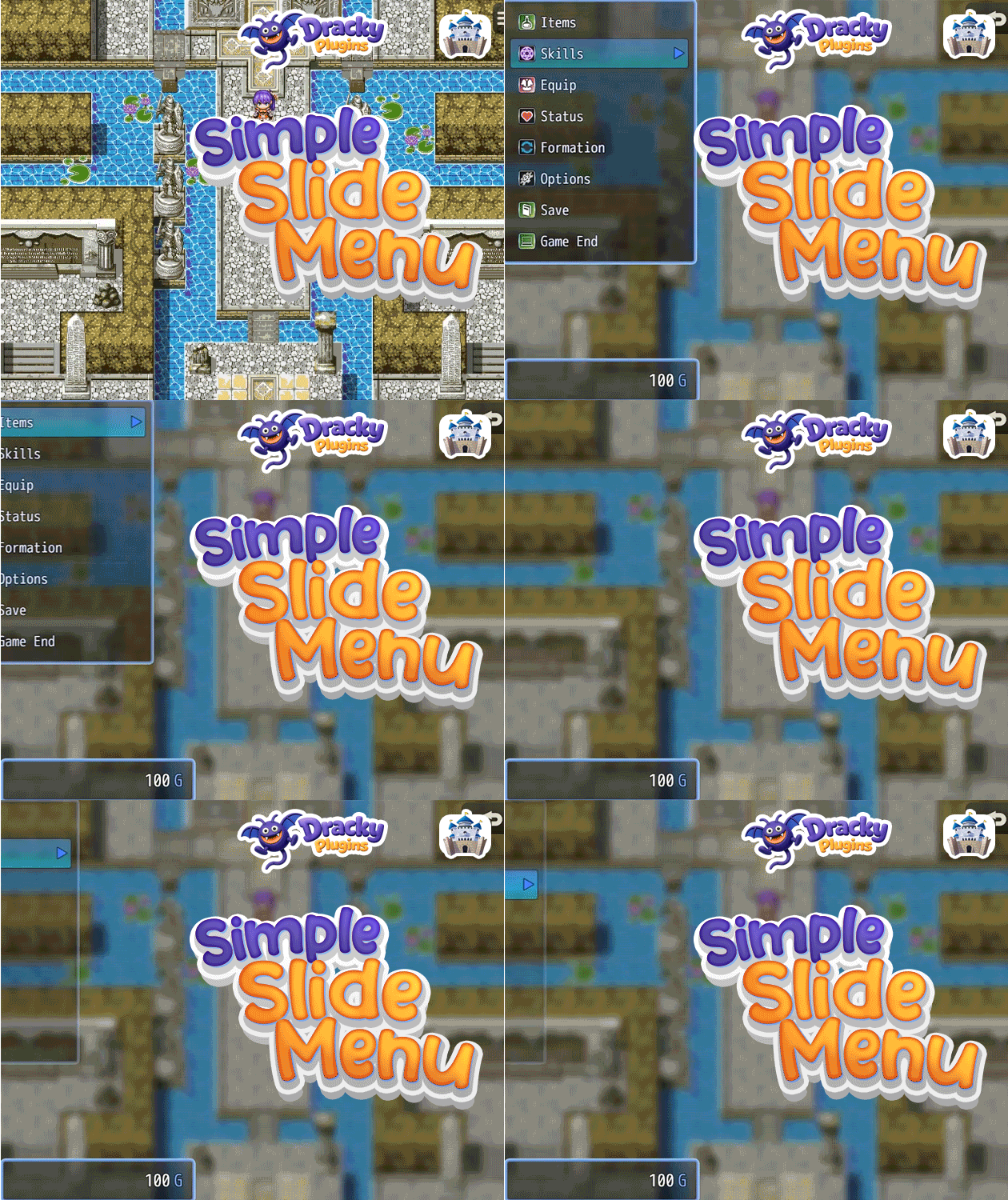
Simple Slide Menu replaces the RPG Maker MZ default menu with a single panel that slides in from the left. Navigate the command list, press OK, and the content swipes in inside the same panel. Cancel swipes it back. Cancel again and the whole panel slides out. Clean, focused, and entirely self-contained.

Key Features
🎬 Animated Panel
- Slide-in panel. One panel eases in from the left using a smooth cubic ease-out curve. Cancel closes it back out.
- Content swipe. Selecting a command swipes the content view in from the right. Cancel swipes it back out and returns to the command list.
- Tunable speed. Panel slide duration and content swipe duration are separate parameters, so you can dial them in independently.
🎨 Fully Customizable Look
- Accent, text, and dim colors. Three hex color values control the whole palette: dividers, active labels, disabled text, category tabs, and stat highlights all pull from these.
- Font size, row height, and icon size. Resize everything to fit your game's style. Set icon size to 0 to hide icons entirely.
- Custom window skin. Point to any skin file in img/system/.
⚙️ Full Party Management Inside the Panel
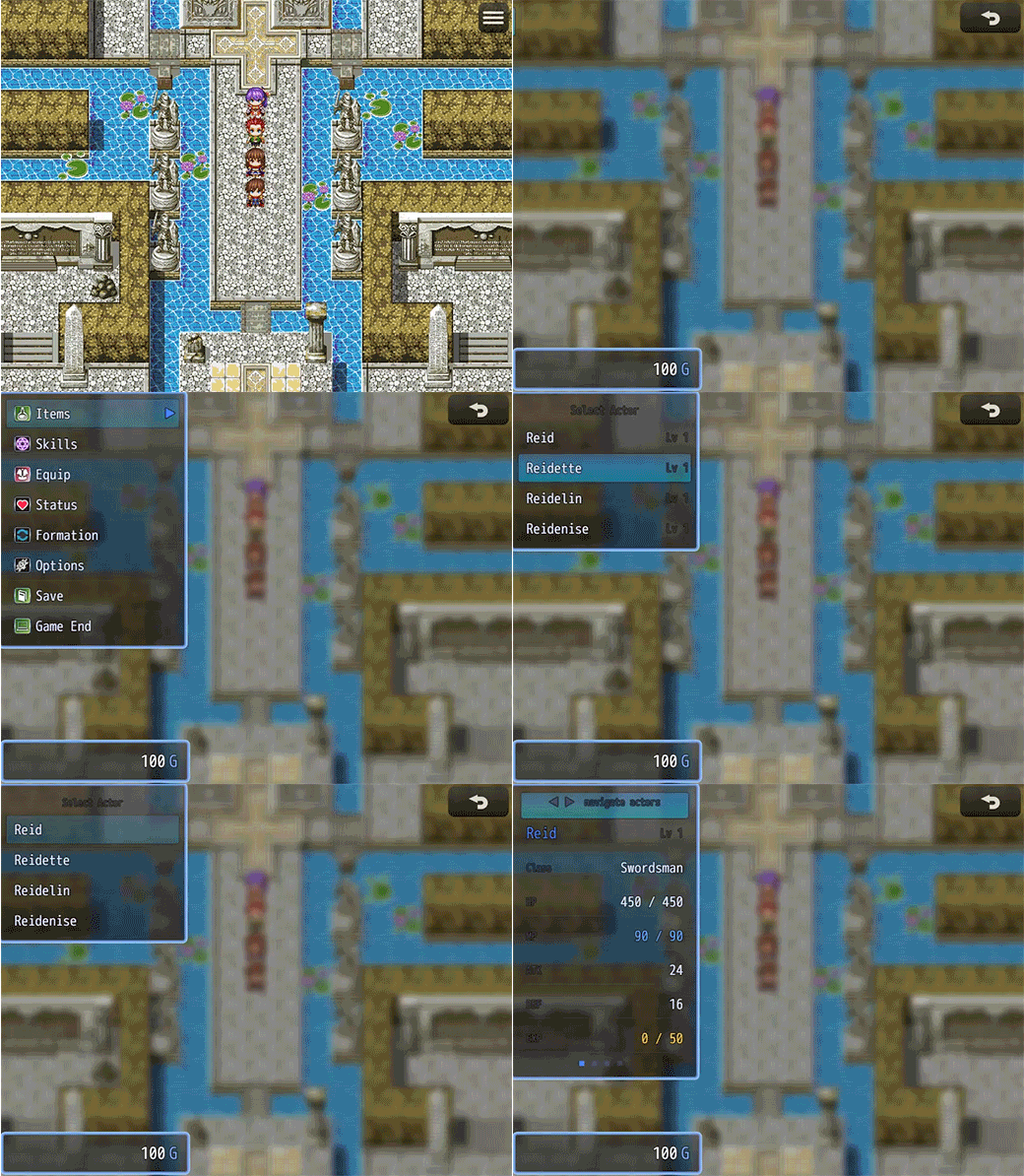
- Items. Category filter (Items / Weapons / Armors / Key Items) at the top, scrollable list below. Single-target usable items prompt actor selection inline.
- Skills. Pick an actor with a single click, then browse and use their skills directly from the menu.
- Equip. Actor selector, then slot selector, then candidate item list. Includes a Remove option at the top of every slot.
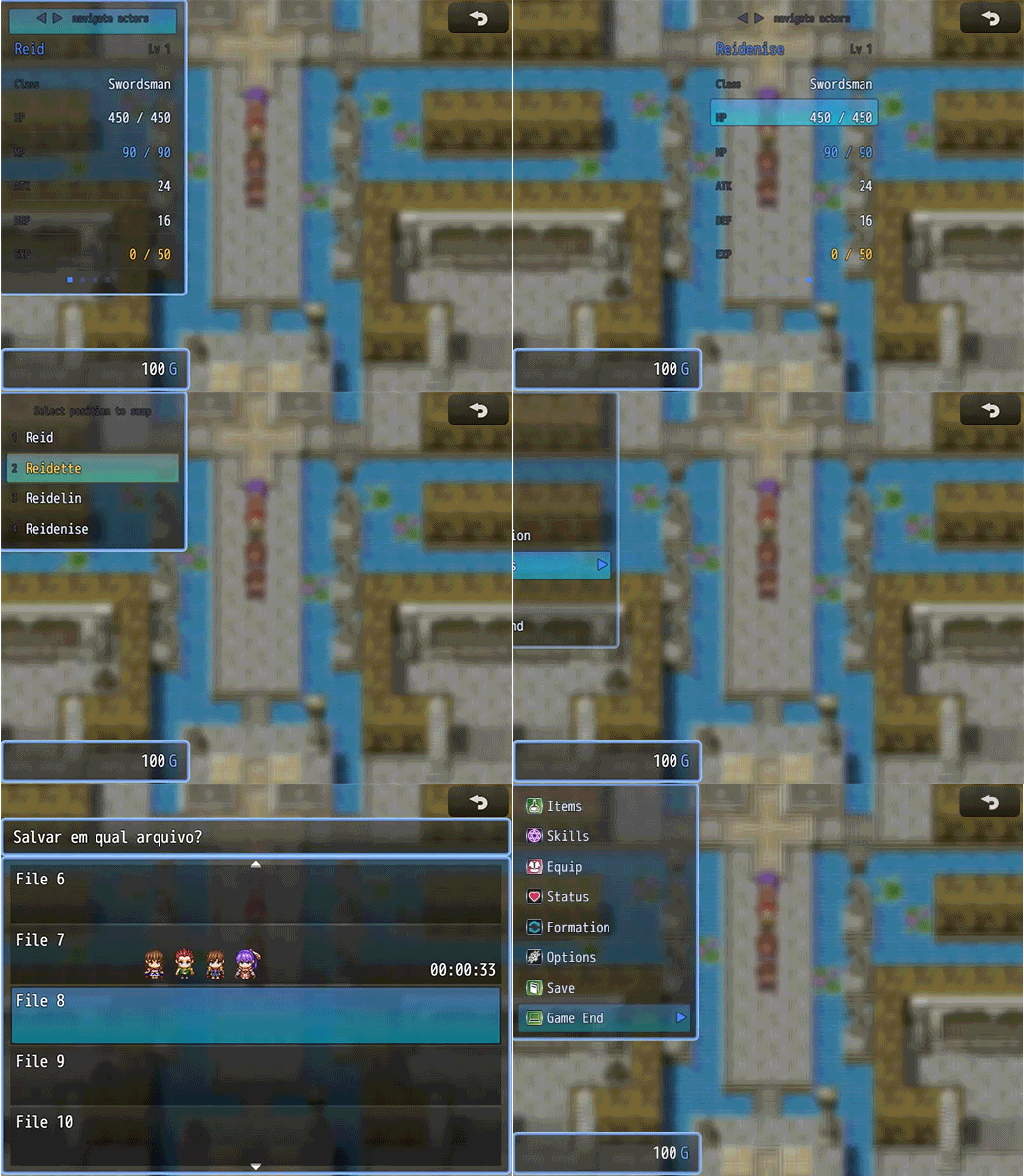
- Status. Clean stat readout (Name, Level, Class, HP, MP, ATK, DEF, EXP) with dot indicators to cycle through party members.
- Formation. Select an actor to move, then tap their new position to swap.
- Options. The native MZ options window wrapped with the same swipe animation.
⚙️ Extra Windows
- Gold window. Optionally shown directly below the command list. Fades in and slides with the panel.
- Map name window. Optionally shows the current map name below the gold window.
Plugin Parameters
Panel Layout
- Width (default: 300px), X position (default: 0), Y position (default: 0), Window Skin (default: "Window")
Appearance
- Accent Color (default: #4a7fff), Text Color (default: #dde4ff), Dim Color (default: #444466)
Typography
- Font Size (default: 22), Row Height (default: 48px), Icon Size (default: 26; set 0 to hide)
Animation
- Panel Slide Duration (default: 16 frames), Content Swipe Duration (default: 12 frames)
Commands
- Each command (Items, Skills, Equip, Status, Formation, Options, Save, Game End) has its own Show/Hide toggle, custom label, icon index, and sort order.
How to Use
Drop the plugin in and the menu is replaced immediately. Adjust the panel width, colors, and animation speeds in the parameters to match your game's style. Hide or reorder any commands you don't need using the Commands parameter group. No plugin commands needed.
Purchase
In order to download this tool you must purchase it at or above the minimum price of $5 USD. You will get access to the following files: