Text Loader | RPG Maker MZ Plugin
A downloadable tool
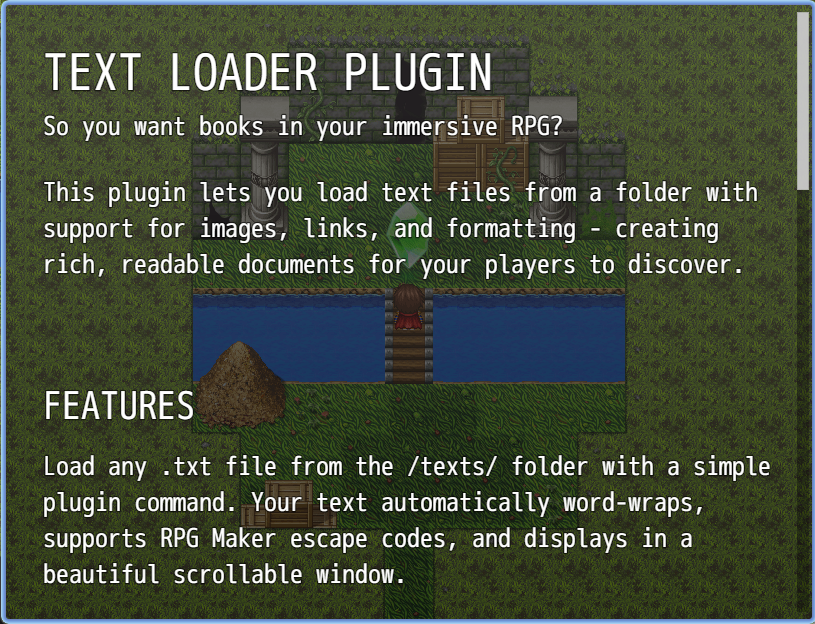
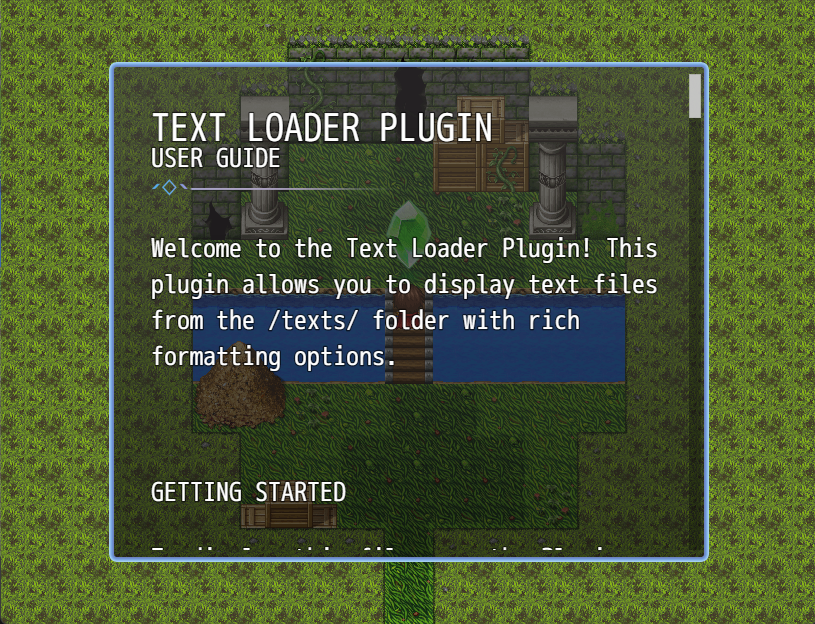
Dracky Text Loader adds rich, scrollable text documents to your RPG Maker MZ game. Load .txt files from a dedicated folder with support for images, clickable links, word wrapping, and full RPG Maker escape code support - perfect for books, journals, lore entries, and quest logs.

Key Features
📖 Text File Loading
- Load any .txt file from the
/texts/folder - Automatic word wrapping for readability
- Full RPG Maker escape code support (\C[n], {, }, \I[n], etc.)
- Customizable window size and position
- Beautiful scrollable interface with visual scrollbar
🖼️ Rich Content Support
- Embed images from
/texts/img/folder - Scale images (1%-500%)
- Align images (left, center, right)
- Clickable hyperlinks that open in browser
- Custom spacing commands
⚙️ Fully Customizable
- Adjustable window dimensions (200-1920 × 200-1080 px)
- Configurable content padding
- Customizable scroll speed (10-100)
- Adjustable line and block spacing
- Custom link colors and underline toggle
📜 Interactive Scrollbar
- Visual progress indicator
- Click to jump to position
- Drag and drop scrolling
- Auto-hides when not needed
🎮 Flexible Control
- Center window or use custom X/Y position
- Keyboard controls (arrows, page up/down)
- Mouse wheel scrolling
- Touch/click support for links
Plugin Parameters
Display Settings
Default Window Width
- Default: 816 px
- Range: 200-1920
- Default width when not specified in plugin command
Default Window Height
- Default: 624 px
- Range: 200-1080
- Default height when not specified in plugin command
Window Padding
- Default: 18 px
- Range: 0-50
- Padding around the window frame
Content Padding X
- Default: 30 px
- Range: 0-100
- Horizontal padding for text content
Content Padding Y
- Default: 30 px
- Range: 0-100
- Vertical padding at top and bottom
Spacing Settings
Line Spacing
- Default: 4 px
- Range: 0-20
- Extra space between text lines
Block Spacing
- Default: 30 px
- Range: 0-100
- Space added by empty lines in your text
Scroll Settings
Scroll Speed
- Default: 40
- Range: 10-100
- Speed multiplier for keyboard/mouse scrolling
Link Settings
Link Color
- Default: 17
- Range: 0-31
- Text color index for clickable links
Link Underline
- Default: ON
- Draws an underline beneath clickable links
How to Use
Setup:
- Create a folder named
textsin your game's root directory - Create a subfolder
texts/imgfor images (optional) - Place your .txt files in the
textsfolder - Use the plugin command to display them
Writing Text Files:
Write normally in your .txt files! Press Enter to create new lines. The plugin handles word wrapping automatically.
Special Commands:
- Empty lines - Leave a blank line for spacing
- Images -
/img[filename.png] - Scaled images -
/img[logo.png, scale=50] - Aligned images -
/img[banner.png, align=center] - Custom spacing -
/space[20](20 pixels) - Clickable links -
Official Site (https://example.com) - Escape codes -
\C[2]Colored text\C[0],\{Large\},\I[1]Icon
Plugin Command:
Use the ShowText command with these arguments:
- filename - Name of the .txt file (e.g.,
intro.txt) - width - Window width in pixels (0 = use default)
- height - Window height in pixels (0 = use default)
- centered - Center the window? (true/false)
- x - X position if not centered
- y - Y position if not centered
- waitForClose - Pause event until window closes? (true/false)
Example
Plugin Command: ShowText
filename: lore_book.txt
width: 800
height: 600
centered: true
Installation
- Copy
dracky_textloaderMZ.jsto your project'sjs/plugins/folder - Open RPG Maker MZ Editor
- Go to Tools → Plugin Manager
- Enable the "Dracky Text Loader" plugin
- Configure default parameters as desired
- Create your
/texts/folder in the game root - Add your .txt files and start using the ShowText command!
Purchase
In order to download this tool you must purchase it at or above the minimum price of $5 USD. You will get access to the following files: